
This manual describes the features and usage of NP610, NP510, NP410, NP405, NP310, NP305, NP510W, NP410W, NP610S, NP510WS projectors.
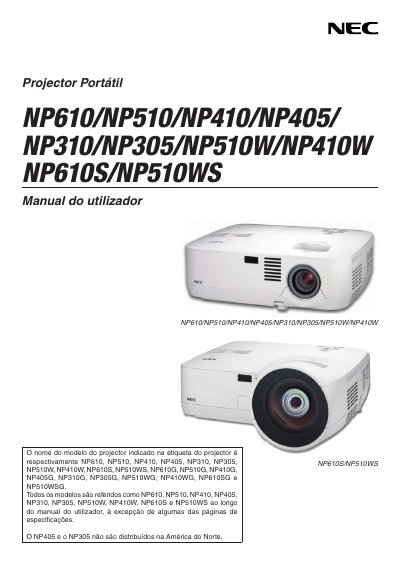
This manual provides safety precautions, installation steps, connection guidelines, and basic operation instructions for NEC NP610, NP510 and NP405 projectors. It includes details on power requirements, lamp replacement, high‑altitude mode, and remote‑control handling.
Additional sections cover troubleshooting, service program options, and environmental disposal instructions, helping users maintain reliable performance throughout the projector’s life. This manual is written in Portuguese.
| Input voltage (standard models) | 100‑240 V AC, 50/60 Hz |
|---|---|
| Input voltage (G models) | 200‑240 V AC, 50/60 Hz |
| Lamp type | High‑pressure mercury lamp |
Set the fan mode to “HIGH ALTITUDE” when operating above roughly 1600 m (5500 ft); otherwise the projector may overheat or the lamp may cool too quickly.