
This document is NEC Projector NP4001/NP4000 User Manual, which introduces the functions and features of NP4001/NP4000, usage instructions, safety precautions, etc.
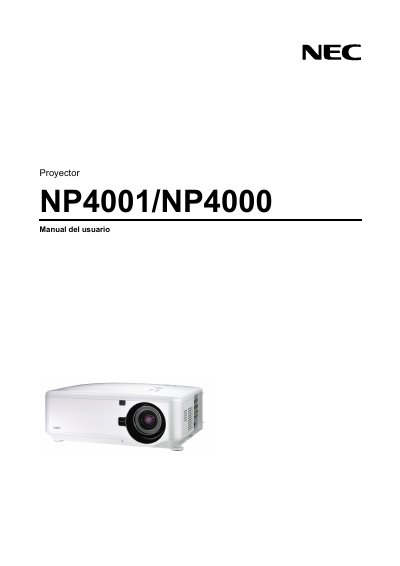
This manual provides safety precautions, installation guidelines, and operating instructions for the NEC NP4001/NP4000 projector. It covers handling of the power cable, ventilation requirements, and proper use of the remote control.
The document also includes lamp‑replacement procedures, laser classification information, and a detailed troubleshooting checklist to help resolve common issues such as remote‑control problems or lamp failures. This manual is written in Spanish.
| Power input | 100‑240V AC 50/60 Hz |
|---|---|
| Lamp type | High‑pressure mercury lamp |
| Laser class | Class 2 |
Turn off the projector and unplug the power cable before cleaning the housing.
Replace the lamp as soon as the screen shows the end‑of‑life warning; continuing to use it may cause the lamp to break.
No, ceiling installation must be performed by a qualified technician.