
This document provides instructions on how to use User Supportware 6 software and configure LAN settings. It explains how to install the software and configure LAN for each software program. It also mentions referring to the User's Guide for detailed operating instructions.
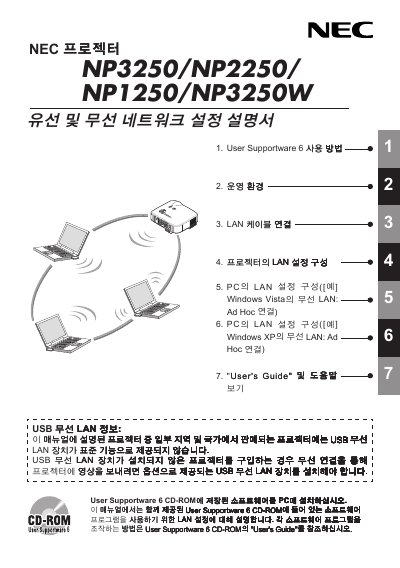
This manual covers the installation and configuration of NEC's NP series display devices. It explains how to connect the unit to LAN, USB, and Wi‑Fi networks, and provides details on the included utilities such as Image Express Utility and Desktop Control Utility.
The document also lists technical specifications, power requirements, supported wireless standards, and safety information. Users can find step‑by‑step guidance for network settings, Wi‑Fi security modes, and hardware dimensions. This manual is written in Japanese.
| Input Voltage | 5 V |
|---|---|
| Transmit Current | 472 mA |
| Receive Current | 300 mA |
| Supported Wi‑Fi Standards | IEEE 802.11a/b/g |
| 802.11a Frequency Bands | 5150‑5350 MHz, 5725‑5850 MHz |
| 802.11b Frequency Band | 2412‑2462 MHz |
| LED Height | 1.1928 mm |
| LED Width | 0.43711 mm |
| Weight | 0.042 lb |
Use the Wi‑Fi settings in the LAN configuration; the device supports WPA‑PSK, WPA‑EAP, WPA2‑PSK and WPA2‑EAP security modes.
The device supports IEEE 802.11a, 802.11b and 802.11g with the corresponding frequency ranges listed in the manual.
Yes, a USB 2.0 port is provided for LAN connectivity and other utility functions.