
This user guide provides instructions for the use of NEC LCD projectors NP3200/NP2200/NP1200, including instructions on how to use, maintain and troubleshoot the product.
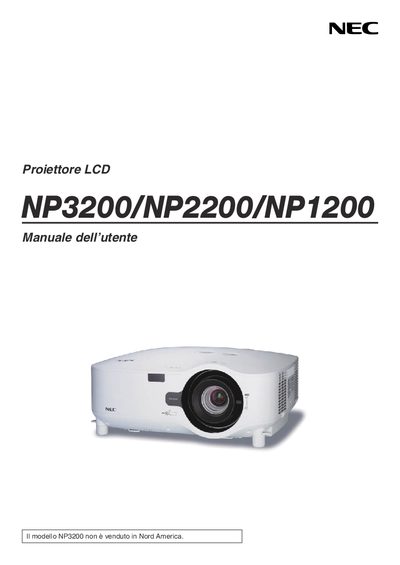
This manual provides the essential safety precautions, installation steps, and operating instructions for the NEC NP3200 (also covering NP2200 and NP1200) LCD projector. It includes guidance on power handling, ventilation, lamp replacement, and special considerations such as high‑altitude use.
The document also details transport handling, warranty service options through the TravelCare program, and regulatory disposal information for the projector and its accessories. This manual is written in Italian.
| Input voltage | 100‑240 V AC, 50/60 Hz |
|---|---|
| Lamp type | High‑pressure mercury lamp |
| Recommended ventilation clearance | At least 10 cm from the wall |
Turn off the projector and unplug the power cord from the wall outlet.
Leave at least 10 cm of space between the projector and any wall or surface.