
This is a quick setup guide that introduces how to connect a computer, connect power, and install a projector
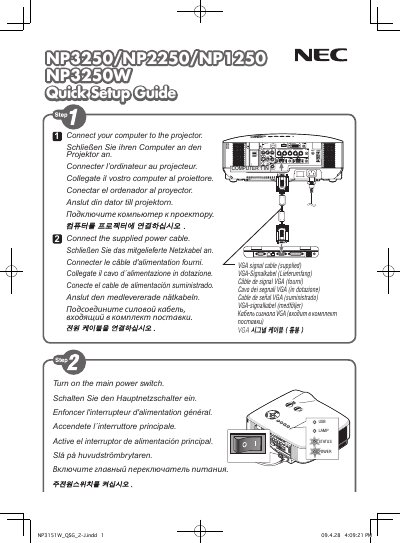
The guide offers step‑by‑step instructions to install and power up the NEC NP3250 display, covering connections, initial settings, and basic operation. It is intended for users who need a fast start without detailed service procedures.
The document includes sections on power connection, USB interface, zoom function, and safety notices, and ends with version information and manufacturing details. This manual is written in Japanese.
The guide was printed in China.
It is version 2, document number 05709.