
NEC NP3250/NP2250/NP1250/NP3250W Wireless LAN USB Unit Configuration Guide

This document describes the features and configuration of User Supportware 6 software, as well as the network configuration guide for NEC NP3250/NP2250/ NP1250/NP3250W projectors.
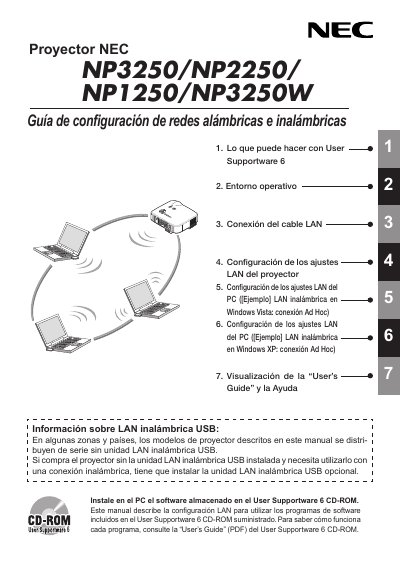

NEC NP3250/NP2250/NP1250/NP3250W Wireless LAN USB Unit Configuration Guide - cover page
Brand
NEC
Document type
Installation Guide
Language
Spanish
Pages
44
File format
PDF
File size
2.2 MB
Published
10 May, 2012
Updated
28 September, 2023
MD5 checksum
3EACA2ECCCEC778AC07C9845AB9115DA

About this manual

This guide explains how to install and configure the optional NEC wireless LAN USB unit (model NPO1LM) that can be added to NP3250, NP2250, NP1250 and NP3250W projectors. It covers required hardware, software installation from the User Supportware 6 CD-ROM, and step‑by‑step LAN configuration for both the projector and a PC.

The document also provides regulatory information, safety precautions, and detailed technical specifications of the wireless LAN unit, including supported Wi‑Fi standards, frequency channels, power requirements, and environmental limits. This manual is written in Spanish.

What's inside

  • Introducción
  • Lo que puede hacer con User Supportware 6
  • Entorno Operativo
  • Funciones de seguridad inalámbrica LAN admitidas
  • Conexión del cable LAN
  • Configuración de los ajustes LAN del proyector
  • Configuración de los ajustes LAN del PC
  • Visualización de la User’s Guide y la Ayuda
  • Especificaciones
Download PDF (2.2 MB)

More NEC Manuals


View all NEC manuals →