
This document describes how to set up the wired and wireless network connections for the NEC NP3250/NP2250/NP1250/NP3250W projectors.
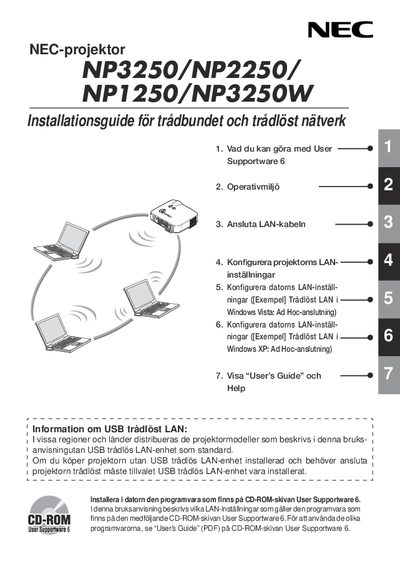
This guide explains how to install and configure the NEC NP3250 projector’s network features, including connecting a LAN cable and setting up the optional USB wireless LAN dongle. It also describes the software supplied on the User Supportware 6 CD-ROM and how to use the various utilities.
Safety warnings, regulatory compliance, and technical specifications for the USB wireless LAN unit are provided, along with regional channel restrictions and environmental operating limits. This manual is written in Swedish.
| Product name | NPO1LM3 |
|---|---|
| Operating voltage | 5 V |
| Max Tx current | 472 mA |
| Max Rx current | 300 mA |
| Wireless standards | IEEE802.11a, IEEE802.11b, IEEE802.119 |
| Modulation methods | CCK/DQPSK/DBPSK/OFDM |
| LED indicator | Blink during communication, slow blink standby, off when not in use |
| USB interface | USB 2.0 |
| Dimensions (W x H x L) | 28 mm x 11 mm x 77 mm |
| Weight | 199 g |
| Operating temperature | 5 °C to 40 °C, 20 % to 80 % non‑condensing humidity |
| Storage temperature | -10 °C to 50 °C, 20 % to 80 % non‑condensing humidity |
Channels 36, 40, 44 and 48 are allowed for indoor use in the USA and Canada.
Create an Ad‑Hoc network as shown in the “Tradlést LAN i Windows Vista: Ad Hoc‑anslutning” example.