
This is a quick connect guide that introduces the remote control functions of the LT158/LT157 projector
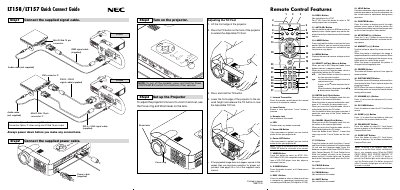
This guide walks users through the initial setup of the NEC LT158 projector, covering cable connections, power-up procedures, and basic adjustments such as focus, zoom, and keystone correction. It also explains the functions of the remote control buttons and how to switch between projector and computer modes.
Additional sections include a menu tree reference, troubleshooting tips, and common problem solutions to help resolve issues like power failures, image distortion, and remote control problems.
| Video connector | Mini D-Sub 15 pin |
|---|---|
| DVI-D cable | Supplied |
| Audio cable | Not supplied |
| Power cable | Supplied |
Press and hold the Power OFF button for a minimum of two seconds.
It adjusts an RGB source for an optimal picture; some signals may not display correctly or take time to switch.
Press the (+) or (-) button to correct the keystone (trapezoidal) distortion.