
This is a NEC LT158/LT157 projector user manual
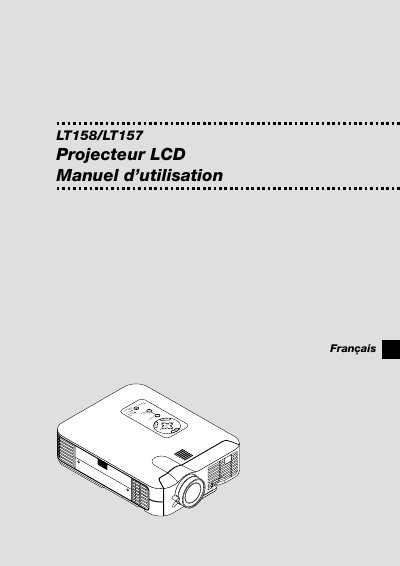
This manual introduces the NEC LT158/LT157 projector, covering safety precautions, proper installation on a flat, dry surface, and optional ceiling mounting by qualified technicians. It explains power requirements, lamp replacement, cleaning, and handling of the remote control.
The guide details basic operation, menu navigation, image adjustments (brightness, contrast, keystone, resolution), video input options, and advanced features such as PC Viewer and USB mouse support. Maintenance topics include lamp replacement, filter cleaning, and troubleshooting common error messages. This manual is written in Spanish.
| Lamp power | 130 W |
|---|
Turn off the projector, wait for the lamp to cool, then follow the instructions on page S‑48 to remove the old lamp and install a new one, ensuring at least one minute between turning the lamp off and on again.