
This document introduces the features, functions, adjustable settings and menus of the LT series and MT series projector's remote controls.
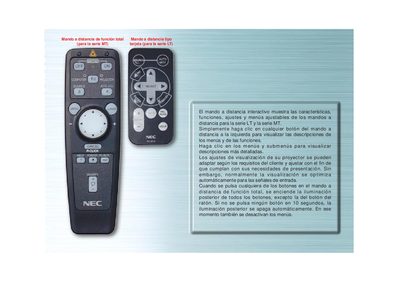
This manual describes the operation of the NEC LT140 remote control used with the LT and MT projector series. It details each button, menu structure, and adjustable settings such as source selection and auto‑alignment.
The guide also explains how to switch between computer and projector modes, how the backlight behaves, and how to use the navigation keys to access and modify options on the projector. This manual is written in Spanish.
| Default mode | Ordenador (computer) mode |
|---|
Press the "ORDENADOR/SELECCIONAR PJ" button to toggle between projector (red) and computer (default) modes.