
This user manual introduces the functions and usage of the LT170 portable projector
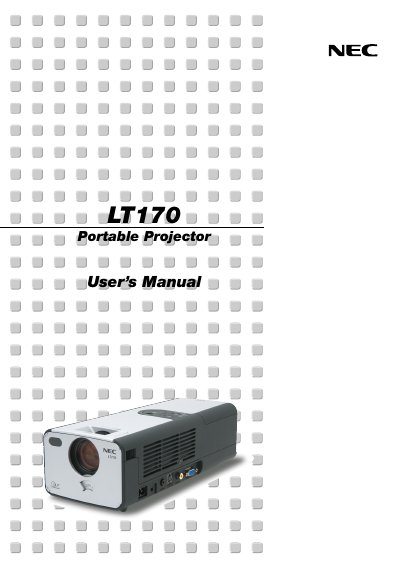
This manual covers everything needed to set up and operate the NEC LT170 Portable Projector, including safety precautions, unpacking, installation, connection of video sources, and basic image adjustment. It also details remote‑control usage, menu navigation, and maintenance procedures such as lamp replacement and cleaning.
Safety information emphasizes proper ventilation, handling of high‑voltage components, and RF‑interference mitigation. The guide includes troubleshooting tips, specifications, and accessories that come with the projector.
| Power Supply | 100‑120 V or 200‑240 V, 50/60 Hz AC |
|---|---|
| Acoustic Noise | < 70 dB(A) |
| Maximum Image Size | Up to 200 inches diagonal |
Reorient or relocate the receiving antenna, increase separation between the equipment and receiver, use a different circuit, or consult a qualified radio/TV technician.
Leave at least 4 inches (10 cm) of space between the projector and any wall or obstruction.
When the lamp‑end‑of‑life message appears, turn off the projector, wait at least 60 seconds, disconnect the power cable, wait 60 minutes for cooling, then follow the instructions on page E‑35 to replace the lamp.
The infrared remote works up to about 22 feet (7 m) and within a 60‑degree angle of the sensor.