
This document is the Acer TravelMate 530 notebook computer user manual, which introduces the characteristics and usage methods of the notebook computer
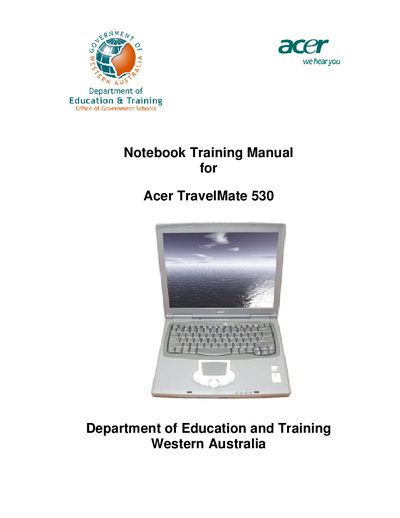
This manual provides teachers with an introduction to the Acer TravelMate 530 notebook, its operating system, pre‑installed applications and the accessories supplied. It outlines the program objectives, what will be received, and how to configure the device for internet access and classroom use.
The guide also includes health and safety advice, ergonomic recommendations, detailed instructions for common tasks such as using the Quick Launch bar, power management, backing up files, and virus protection, as well as warranty information, recovery media usage, and appendices with mouse settings, FAQs and keyboard shortcuts.
| Processor | Intel Pentium 4, 2.0 GHz |
|---|---|
| Display | 14.1" TFT screen |
| Memory | 256 MB RAM (16 MB shared video) |
| Hard drive | 20 GB HDD |
| Network | Internal 10/100BaseT Ethernet |
| Modem | Internal 56 K modem |
| Optical drive | CD‑ROM drive |
| Floppy drive | 1.44 MB floppy disk drive |
| Audio | Internal stereo speakers |
| Pointing device | Touchpad with buttons and scrolling |