
This manual details the features and characteristics of the JVC AV-21F24 AV-21L24 television, including the remote control buttons and basic functions, TV buttons and functions, setting up your TV, basic settings, advanced settings, original features, basic settings, advanced settings, Favorite channel and video settings, Customized settings, TV channel presetting, additional preparation, troubleshooting and specifications.
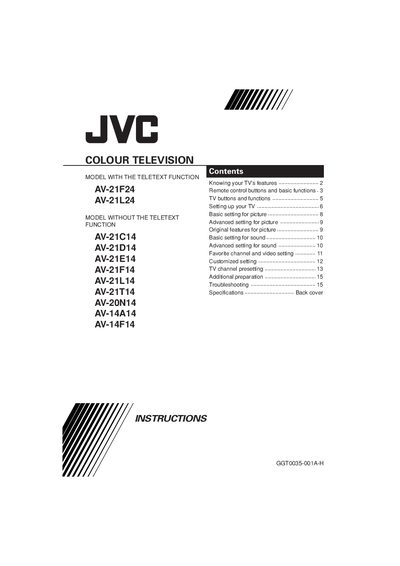
This manual provides safety instructions, basic and advanced picture and sound settings, and step‑by‑step guidance for connecting antennas, audio/video sources, and remote‑control batteries. It also details the menu structure, remote‑control button functions, and how to use features such as Teletext, favourite channels, and auto‑program.
The troubleshooting section lists common problems like no picture, no sound, colour issues, and interference, with recommended checks and actions. A specifications table at the end lists TV systems, power requirements, and input/output connectors.
| TV BF systems | B/G, I, D/K |
|---|---|
| Colour systems | TV mode: PAL, SECAM; VIDEO mode: PAL, SECAM, NTSC 3.58 MHz, NTSC 4.43 MHz |
| Power requirements | AC 110 to 240 V, 50/60 Hz |
| External input / output | VIDEO‑1: video & audio input; VIDEO‑2: video & audio input; OUTPUT: video & audio output; Headphone jack: 3.5 mm stereo mini‑jack (mono sound) |
| Receiving channels | VHF low (VL), VHF high (VH), UHF (U); cable channels in mid, super and hyper bands |
Teletext is available only on the AV‑21F24 and AV‑21L24 models; other AV‑21 series models do not have Teletext.
Press the POWER button on the remote control (or the main power button on the TV) to toggle standby mode.