
This document provides instructions for using a DVD VIDEO RECORDER, including connecting, operating, and adjusting. The product is characterized by supporting DVD playback in region 1, using laser technology, and offering excellent performance and safety.
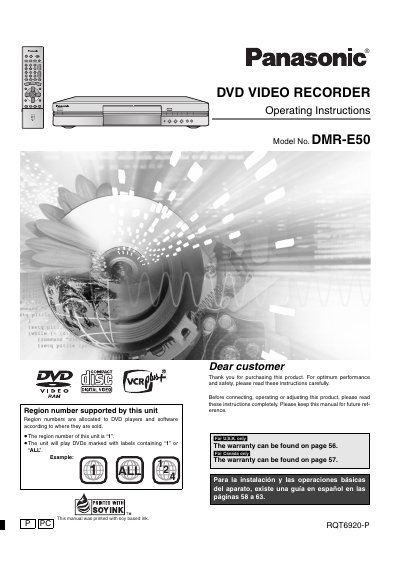
This manual covers important safety instructions, required warnings, and regulatory compliance for the Panasonic DMR‑E50 DVD video recorder. It explains region coding (Region 1), power consumption, and how to properly install the unit, connect antennas, and set up the remote control.
Detailed operating guidance includes steps for auto‑tuning, channel setup, recording modes, playback functions, and troubleshooting. Accessories, specifications, and warranty information are also provided for both U.S. and Canadian markets.
| Region Code | 1 (or ALL) |
|---|---|
| Power Consumption (standby) | ≈ 3.2 W |
The DMR‑E50 is coded for Region 1 and will also play discs marked “ALL”.
It uses approximately 3.2 watts in standby mode.
No, the manual advises using only non‑rechargeable alkaline or manganese batteries.