
JVC AV-32D500/AV-32D200/AV-27D500/AV-27D200 User Manual

This file is the user manual of Apex AV-32D500 AV-32D200 AV-27D500 AV-27D200 televisions.
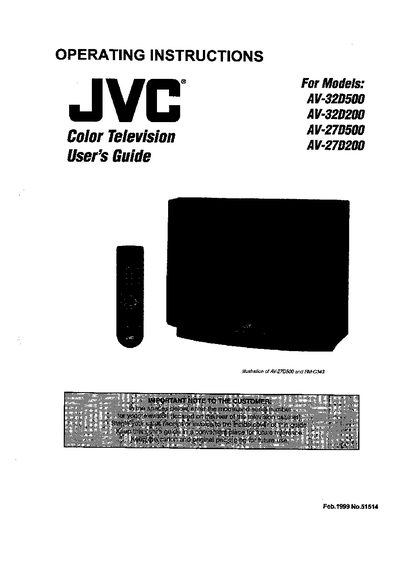

JVC AV-32D500/AV-32D200/AV-27D500/AV-27D200 User Manual - cover page
Brand
JVC
Category
Television
Document type
User Manual
Language
English
Pages
16
File format
PDF
File size
1.2 MB
Published
10 May, 2012
Updated
30 September, 2023
MD5 checksum
9B9638D9474AD33BB3327DA448B8E10B

About this manual

This manual begins with important safety precautions, including warnings about electric shock, fire hazards, and proper handling of the TV set. It covers installation requirements, power source specifications, and guidelines for positioning and ventilation.

The guide then details remote‑control functions, on‑screen menu navigation, and extensive connection diagrams for antenna, cable, VCR, DVD player, camcorder, and external audio equipment. Troubleshooting tips, warranty information, and a brief specifications section are also included.

What's inside

  • Safety Precautions
  • Installation
  • Getting Started
  • Remote Controls
  • Connections
  • Cable & VCR Connections
  • Connecting to DVD Player
  • On‑Screen Menus
  • Troubleshooting
  • Specifications

Frequently asked questions

How do I replace the batteries in the remote control?

Use two AA batteries, insert the "-" end first, and slide the cover back into place.

Download PDF (1.2 MB)

More JVC Manuals


View all JVC manuals →