
This is a JVC VR-509E digital video recorder user manual
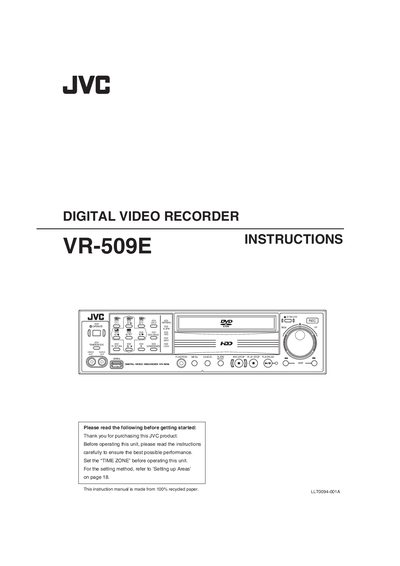
This manual covers safety precautions, installation, and basic operation of the JVC VR-509E digital video recorder. It explains how to connect cameras, configure network settings, and use the built‑in hard‑disk for recording and playback.
Detailed sections describe menu navigation, recording functions, hard‑disk maintenance, alarm and motion‑detection features, and how to use a PC for remote control and data export. Troubleshooting tips and regulatory disposal information are also included.
| Hard Disk Capacity | 320 GB |
|---|---|
| Operating Voltage | 220‑240 V AC, 50/60 Hz |
| Simultaneous Recording Speed | 100 images/sec in 9 channels |
| Timer Recording Programs | Up to 8 daily/weekly programs |
| Camera Input Channels | 9 asynchronous channels |
Press the [FUNCTION] button then press [SET]; the LOCK indicator will illuminate.
It operates on 220 V to 240 V AC at 50 Hz or 60 Hz.
The recorder includes a 320 GB hard disk.
It can record up to nine asynchronous camera inputs at once.