
This document is the detailed user guide of Canon GZ-MG750BEK camcorder, which introduces the basic functions and usage methods of the camcorder, including charging, recording, playback, shooting techniques, etc.
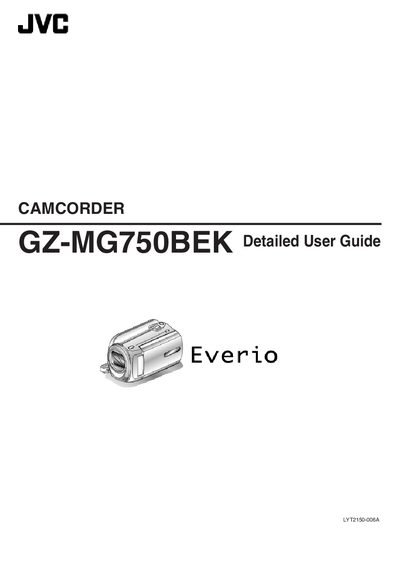
This manual guides users through the basic and advanced functions of the JVC GZ-MG750BEK camcorder, covering everything from charging the battery pack and inserting a microSD card to recording video in various formats and using shooting techniques for holidays, weddings, and travel.
It also includes detailed menu settings, specifications, maintenance tips, and troubleshooting advice to help you get the most out of your camcorder in any situation.
| Power supply (AC adapter) | DC 5.2 V |
|---|---|
| Power supply (battery pack) | DC 3.6 V |
| Image size | 832 × 624 / 640 × 480 |
| Camera dimensions | 53 × 63 × 110 mm (W × H × D, excluding grip belt) |
| Camera mass | ≈ 250 g (camera only) |
| Battery pack capacity | 700 mAh |
| LCD monitor size | 2.7 inches wide |
| Optical zoom | Up to 39× |
| Internal recording media | 80 GB HDD |
| Video format | MPEG‑2 |
| Audio format | Dolby |
| Image sensor | 1/6" 800 000 pixels |
| Operating temperature | 0 °C to 40 °C |
Select the LANGUAGE option in the menu settings and choose the desired language.
Carry extra battery packs with double the expected recording time and use the AC adapter to charge them while you rest.