
This document is the user manual of KD-R412/KD-R411/KD-R35/KD-R312/KD-R311 receiver, it introduces the functions and operation methods of the receiver.
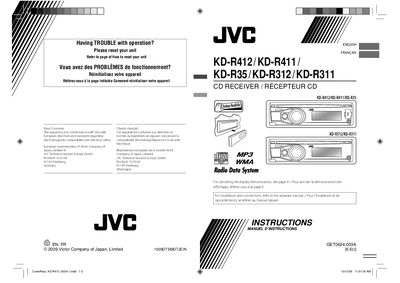
This manual covers the basic operation of JVC CD receivers, including how to attach the control panel, reset the unit, eject discs, and use the remote controller. It also explains radio functions, USB playback, and advanced features such as steering‑wheel remote control for car installations.
Safety information, including laser product warnings and disposal instructions, is provided, followed by detailed technical specifications for power output, frequency response, and supported audio formats.
| Maximum Power Output (Front) | 50 W per channel |
|---|---|
| Frequency Response | 40 Hz to 20 000 Hz |
| Signal‑to‑Noise Ratio | 70 dB |
| Number of Channels | 2 (stereo) |
| Dynamic Range | 93 dB |
| USB Standard | USB 1.1, USB 2.0 |
Press and hold the reset button; this will erase all preset adjustments.