
MP-XP7230GB/MP-XP5230GB Mobile mini note PC instruction manual
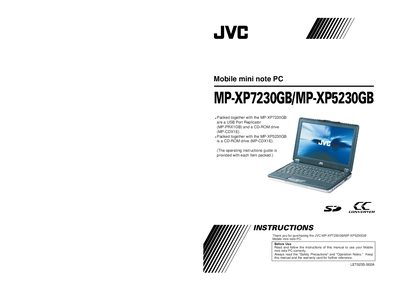
This manual covers the JVC MP‑XP7230GB and MP‑XP5230GB Mobile mini note PC, a compact notebook that ships with a USB Port Replicator (MP‑PRX1GB) and a CD‑ROM drive. It explains how to install accessories, configure the wireless LAN, and install the provided software driver.
Safety precautions, battery handling, power requirements, and regulatory compliance are detailed, along with troubleshooting tips and warranty information. The document also includes the End‑User License Agreement for the pre‑installed software.
| Input Voltage | 110‑240 V, 50/60 Hz |
|---|---|
| Wireless LAN Frequency | 2412 – 2472 MHz |
| Battery Type | Lithium‑ion (BN‑LS12E / BN‑LL21E) |
Do not expose the unit to rain or moisture, use only the specified power source, and avoid opening the cabinet; refer to the Safety Precautions section for full details.
The MP‑XP7230GB uses the BN‑LS12E battery pack, while the MP‑XP5230GB uses the BN‑LL21E battery pack.
The wireless LAN operates between 2412 MHz and 2472 MHz.
Log in as an administrator, connect the replicator to the PC, then follow the driver installation wizard steps shown in the manual.