
This document is about the installation and connection instructions for JVC's CD receiver KD-G162/KD-G161. It describes how to detach/attach the control panel, reset the unit, and forcibly eject a disc. It also provides a numbered ID card for security purposes. The document emphasizes the need to drive safely while operating the unit. It also includes warnings and precautions regarding laser products.
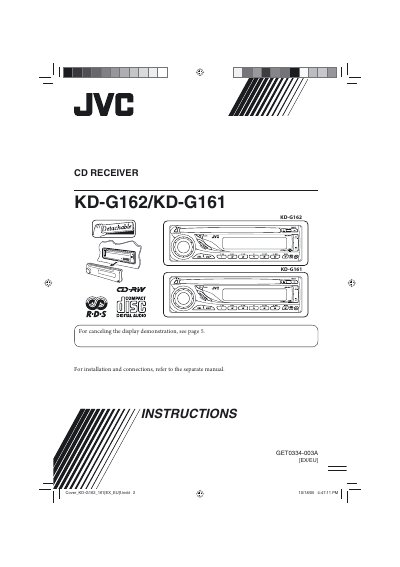
This manual covers all aspects of the JVC KD‑G162/KD‑G161 CD receiver, including how to install the unit, connect antennas and power, and secure the control panel. Safety warnings for laser components and vehicle use are highlighted to ensure safe operation while driving.
Detailed sections explain button functions, radio tuning, FM‑RDS features, disc playback, sound‑adjustment settings, and troubleshooting steps. The specifications page lists audio output, tuner ranges, power requirements, and physical dimensions of the unit.
| Maximum Power Output (Front/Rear) | 45 W per channel |
|---|---|
| Continuous Power Output (RMS) (Front/Rear) | 17 W per channel into 4 Ω |
| FM Frequency Range | 87.5 MHz to 108.0 MHz |
| AM Frequency Range (MW) | 522 kHz to 1 620 kHz |
| CD Player Frequency Response | 5 Hz to 20 kHz |
| Operating Voltage | DC 14.4 V (11 V to 16 V allowance) |
| Dimensions (Installation Size) | 182 mm × 52 mm × 150 mm |
| Mass (excluding accessories) | 1.2 kg |
Press the reset procedure described on page 2, which also erases any preset adjustments.
Select “DEMO” then choose “DEMO OFF” in the basic settings menu.
Use the forced ejection procedure on page 2, or repeat the prohibition cancellation steps.
Follow the step‑by‑step instructions in the “How to detach/attach the control panel” section on page 2.