
This is a user manual for KD-G396/KD-G395/KD-G245 CD receiver
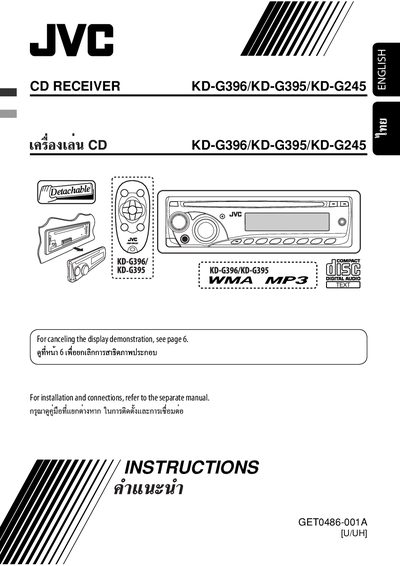
This manual covers the JVC KD‑G396/KD‑G395/KD‑G245 in‑car CD receiver, a Class 1 laser audio device intended for vehicle installation. It describes the control panel layout, remote controller functions, and basic operation of radio and disc playback.
The guide includes step‑by‑step installation, wiring diagrams, power‑up procedures, sound‑adjustment settings, general PSM settings, maintenance tips, specifications, and a troubleshooting section to help resolve common issues such as fuse blows, no power, or distorted sound.
| Remote controller battery | CR2025 lithium coin battery |
|---|---|
| Fuse rating | 15.4 A |
| Antenna terminal current limit | 250 mA max |
| Remote lead current limit | 200 mA max |
| Vehicle power supply | Constant 12 V |
Press and hold the power button; the unit will reset and all preset adjustments will be erased.
Press the eject button; be careful not to drop the disc and, if it does not work, reset the unit.
Only a CR2025 lithium coin battery may be installed; other batteries can cause explosion.
Connect the colored leads of the power cord in the order shown in the wiring diagram, then attach the ground to the vehicle chassis.