
This document is the operating instructions for the P RQT8152-3P PC DVD Recorder DMR-ES20 model. It includes instructions on getting started, recording, playing back, editing, transferring (dubbing), and convenient functions. The document also provides a Spanish reference and warranty information.
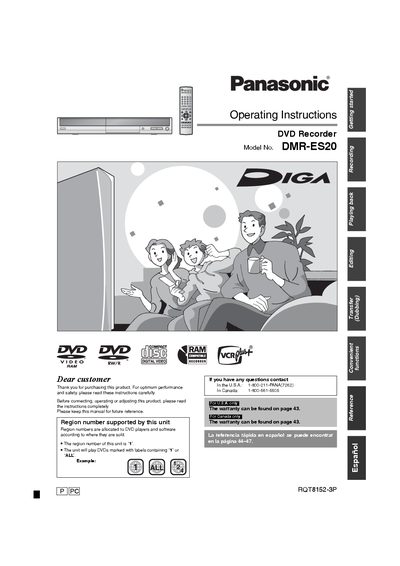
This manual introduces the Panasonic DMR-ES20 DVD Recorder, covering safety precautions, required accessories, and basic operation. It explains the region setting (Region 1) and the importance of proper ventilation and handling of the laser unit.
The guide details connection methods for TV, VCR, and cable boxes, explains supported disc formats (DVD‑RAM, DVD‑R, DVD‑RW, +R), recording functions such as instant recording, chasing playback, and time‑slip, and provides instructions for disc management, formatting, and troubleshooting.
| Power consumption (standby) | approx. 15.7 W |
|---|---|
| Power supply | AC 120V, 60 Hz |
| Maximum recording time on DVD‑RAM | Approx. 8 hours |
| Region code | 1 |
Press the POWER button, then press REC; recording on DVD‑RAM begins about one second later.