
This is a user manual for NETGEAR N600 Wireless Dual Band Gigabit Router Premium Edition WNDR3800 wireless router
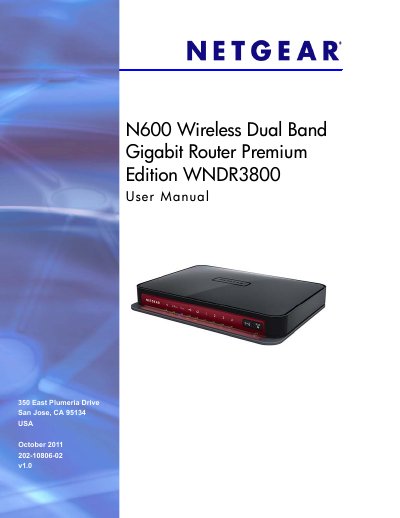
The NETGEAR WNDR3800 N600 Wireless Dual‑Band Gigabit Router is a high‑performance home networking device that supports 2.4 GHz and 5 GHz Wi‑Fi, Gigabit Ethernet, and USB storage capabilities.
This user manual covers hardware setup, NETGEAR Genie installation, wireless and security settings, ReadySHARE USB and cloud services, advanced features such as QoS, port forwarding, and includes troubleshooting tips and technical specifications.
| Dimensions | 223 x 153 x 31 mm (8.8 x 6.0 x 1.2 in) |
|---|---|
| Weight | 0.5 kg (1.2 lb) |
| Operating temperature | 0° to 40° C (32º to 104º F) |
| Power adapter output | 12V DC @ 2.5A |
| LAN ports | 10BASE‑T / 100BASE‑Tx / 1000BASE‑T, RJ‑45 |
| Maximum wireless signal rate | Complies with IEEE 802.11 standard |
| Radio data rates | Auto rate sensing |
| Maximum computers per wireless network | Typically 50–70 nodes |
| 2.4 GHz frequency range | 2.412–2.462 GHz (US) |
| 5 GHz frequency range | 5.18–5.24 GHz + 5.745–5.825 GHz (US) |
Use the Guest Network settings in the NETGEAR Genie interface as described in the Guest Network Wireless Security Options section.
Yes, the ClearChannel Selector feature is enabled by default on the WNDR3800 router.
Enable ReadySHARE Cloud to obtain remote Internet access to a USB storage device connected to the router.