
The DI-624 Xtreme G 2.4GHz Wireless Router is a wireless router released by D-Link in 2003. It can be connected to an Ethernet-based Cable or DSL modem and provide other computers with a high-speed Internet connection.
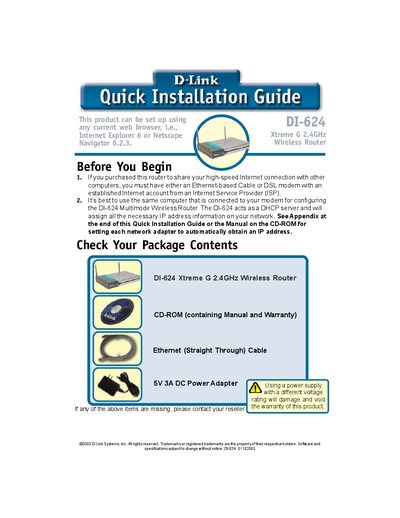
This guide walks you through the contents of the DI-624 package, including the router, CD‑ROM, Ethernet cable and 5V 3A DC power adapter, and shows how to connect power, WAN and LAN ports. It explains LED indicators for power, WAN, LAN and wireless status, and describes how to reset the router to factory defaults.
The document then details the web‑based Setup Wizard, covering login (admin/blank password), time‑zone selection, Internet connection types (Dynamic IP, Static IP, PPPoE), MAC address cloning, and wireless configuration (default SSID and channel). Technical support contact information is provided at the end.
| Product Type | Xtreme G 2.4GHz Wireless Router |
|---|---|
| Power Adapter | 5V 3A DC |
| Wireless Standard | 802.11b |
Press the Reset button on the router; this restores all settings to the original factory defaults.