
This document is a quick installation guide for the D-Link DES-1252 Fast Ethernet Smart Switch, providing step-by-step instructions for setting up the switch. The document also includes detailed information about the product, its components, network connections, and technical specifications. If the model you purchased appears slightly different from the illustrations, please refer to the User's Manual on the CD included with the switch for more detailed information. Check the package contents to ensure all items are included. If any items are missing, please contact your reseller.
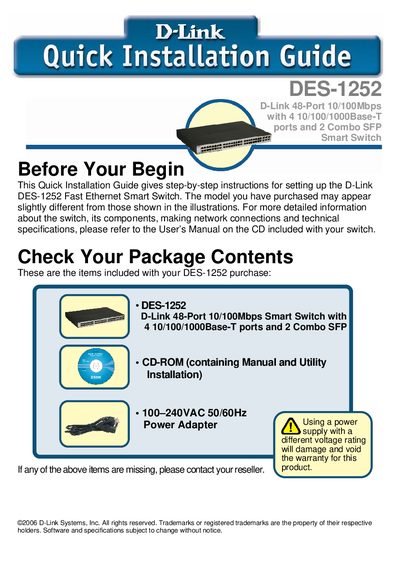
The guide walks you through unpacking the DES‑1252, checking the package contents, and preparing the installation site. It includes recommendations for placement, rack mounting, and connecting power and network cables.
Additional sections cover LED indicator meanings, installing the SmartConsole utility for management, and using the on‑device menus for configuration, backup, and firmware updates.