
The D-Link DSL-2320B Quick Install Guide provides you with a simple and easy-to-understand format to install and configure your ADSL2+ modem.
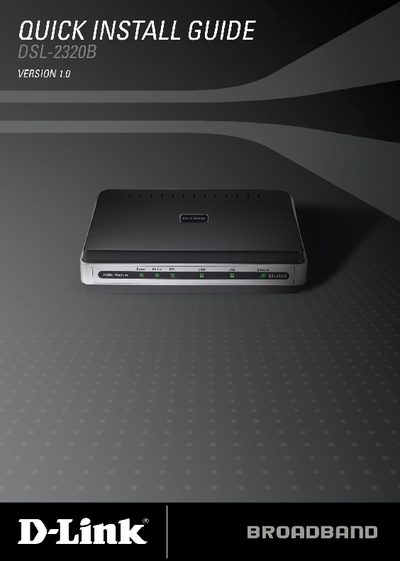
The DSL‑2320B is an ADSL2+ modem that offers both Ethernet and USB connectivity for easy network integration. This guide walks you through unpacking, safety precautions, and the layout of front and rear panel LEDs and ports.
Installation steps cover connecting the telephone line, Ethernet or USB cable, attaching the supplied 12 VDC/1 A power adapter, installing the USB driver (if needed), and logging into the web interface at http://192.168.1.1 to configure the device. The guide also includes reset instructions and technical support contacts.
| Modem type | ADSL2+ |
|---|---|
| Power adapter | 12 VDC, 1 A |
| Interfaces | Ethernet and USB connections |
| Internet LED status | Solid green indicates IP address and internet connection |
| Factory reset | Press Reset button to restore default settings |
Press the Reset button on the rear panel; the modem will restore its original factory settings.