
The DCS-900 is a powerful Internet camera designed for small office or home use. It offers unique features and functionality, allowing for remote monitoring and video transmission over the network.
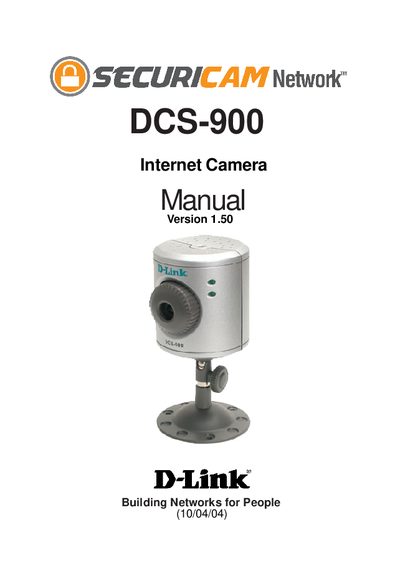
The DCS-900 is a stand‑alone Internet camera with a built‑in CPU and web server, allowing remote monitoring and control via any web browser. It connects to a 10/100 Mbps Ethernet network and can be accessed from PCs, Macs, or notebooks.
The manual covers hardware installation, the setup wizard, configuration through the web interface or the IPView Lite application, and troubleshooting. It also details the rear and front panel connectors, LED indicators, and how to reset the device to factory defaults.