
The document is the user manual for D-Link Web Smart Switch, which provides information about installation, management options, and configuration of the product.
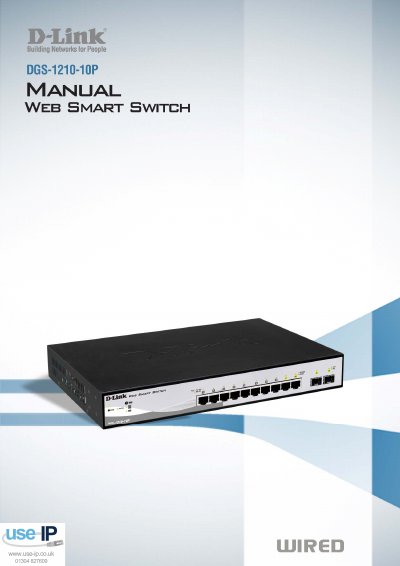
This manual covers the D-Link DGS-1210-10P Web Smart Switch, an 8‑port PoE Gigabit Ethernet switch designed for small‑to‑medium business networks. It describes the hardware installation steps, safety guidelines, and power connections, as well as the switch’s front and rear panel features.
The guide also explains how to get started with web‑based management, the SmartConsole utility, and command‑line interface, and provides detailed configuration chapters for VLANs, QoS, security, PoE settings, and system monitoring. Technical specifications and appendices are included for reference.
| Switching Capacity | 20 Gbps Max. |
|---|---|
| Packet Buffer Memory | 512 KB DDRII for CPU |
| Port Types | 10×10/100/1000Base‑T (IEEE 802.3, 802.3u, Full‑Duplex) + 2×Combo SFP |
| Power Input | 100‑240 VAC, 50/60 Hz |
| Operating Temperature | 0 °C – 40 °C |
The switch has a maximum switching capacity of 20 Gbps.