
This document provides detailed instructions for installing, configuring, and using the D-Link DI-524 wireless router.
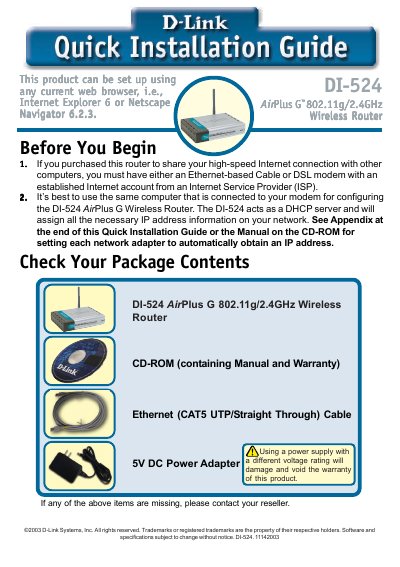
This Quick Installation Guide walks you through connecting the DI‑524 router to your modem and computers, powering the unit, and verifying LED status. It also explains how to access the router’s web interface and use the built‑in Setup Wizard to configure internet and wireless settings.
The guide includes instructions for Windows and Mac OS X, details on setting passwords, time zones, IP address types (Dynamic, Static, PPPoE), and enabling WEP encryption. Technical support contact information for U.S. and Canada is provided at the end.
| Wireless Standard | 802.11g/2.4 GHz |
|---|---|
| Power Adapter | 5 V DC |
| LAN Port Type | Auto‑MDI/MDI‑X |
| Default SSID | default |
| Default Channel | 6 |
| Power LED | Solid when powered |
| WAN LED | Solid when WAN connected |
| WLAN LED | Solid when wireless ready, blinks during traffic |
Press the Reset button on the back of the router; this restores the router to its original factory settings.