
The DBT-120 2.0 USB Bluetooth Adapter is a Bluetooth adapter suitable for Windows and Macintosh operating systems. It requires Windows XP SP2 or 2000 SP4 / Macintosh OSX 10.4.3 or higher, and one available USB port. The installation process requires inserting the D-Link PersonalAir DBT-120 driver CD and following the installation wizard. Once installed, the DBT-120 Bluetooth adapter can connect to other Bluetooth adapters, completing the setup.
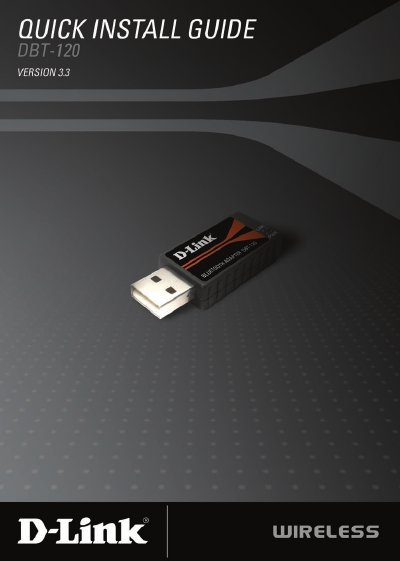
The D-Link DBT-120 Quick Install Guide provides the minimum system requirements and a concise, step‑by‑step procedure for installing the USB Bluetooth adapter on both Windows and Macintosh computers. It lists required hardware (one USB port, CD‑ROM drive) and supported operating systems, then walks the user through driver installation before connecting the adapter.
After the driver is installed, the guide explains how to complete the setup, verify the adapter’s operation, and where to find additional documentation on the included CD. Contact information for D‑Link technical support and warranty details are provided at the end of the document.
| Supported Windows operating systems | Windows XP SP2 or 2000 SP4 |
|---|---|
| Supported Macintosh operating systems | Macintosh OSX 10.4.3 or higher |
| Required hardware | One available USB port and a CD‑ROM drive |
The DBT-120 works with Windows XP SP2 or 2000 SP4 and with Macintosh OSX 10.4.3 or higher.
Insert the D‑Link driver CD, run the installation wizard, then connect the DBT-120 to a USB port after the driver is installed.