
D-Link DHP-302 User Manual introduces the features and characteristics of the D-Link DHP-302 Powerline HD Ethernet Adapter, including data transfer rate, network connection method, and installation method.
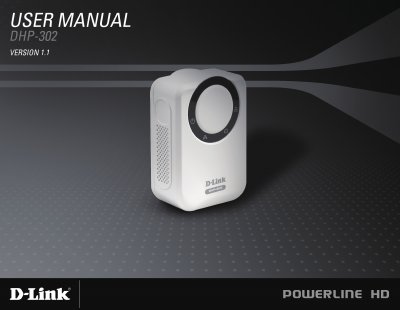
The DHP-302 is a Powerline HD Ethernet Adapter that lets you extend a wired network through your home’s electrical wiring. It supports up to 200 Mbps data rates, includes a single 10/100 Mbps Ethernet port, and offers plug‑and‑play installation with optional QoS settings for video, VoIP, and gaming.
The manual covers hardware installation, push‑button security pairing, the Setup Wizard software, configuration options such as Advanced QoS and power‑saving mode, troubleshooting tips, and a full list of technical specifications.
| Network Ports | One 10/100 Ethernet port |
|---|---|
| EMC Certification | FCC Part 15 Class B, CE Class B, C‑Tick |
| AC Input | 100 ~ 240 VAC, 50‑60 Hz |
Press and hold the push button on the local adapter until its AP LED starts flashing, then wait for the LED to stop flashing (up to 30 seconds); the local adapter becomes the master.
Depress and hold the push button for up to 15 seconds until the AP LED turns off; the unit will be restored to factory settings.