
This manual introduces the functions and usage of the D-Link DSL-2320B ADSL2+ Ethernet/USB modem.
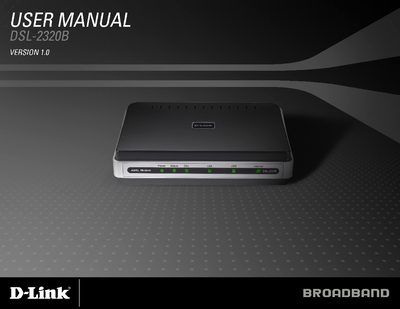
This user manual provides step‑by‑step instructions for installing and configuring the D-Link DSL‑2320B ADSL2+ modem, which supports both Ethernet and USB interfaces. It includes safety guidelines, front and rear panel descriptions, and details on LED indicators.
Additional sections cover advanced setup options, troubleshooting, warranty information, and product registration. The document is organized with a clear table of contents and concise diagrams to help users quickly get the modem up and running.
| Power Adapter | 12 VDC, 1 A |
|---|---|
| Supported Connections | Ethernet and USB |
| Modem Standard | ADSL2+ |
The DSL‑2320B supports both Ethernet and USB connections for linking to a computer or network.
A solid green Internet LED means the modem has an IP address and is connected to the Internet; a red LED indicates authentication failure.
Unplug the equipment first and use a damp cloth; avoid liquid, aerosol cleaners, or magnetic/static cleaning devices.