
This document is the user manual for D-Link DNS-321, which describes the features and characteristics of the product.
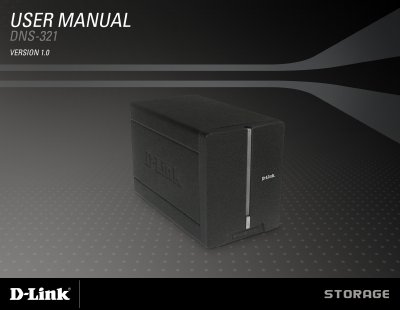
The DNS-321 is a 2‑bay network storage enclosure that supports 3.5" SATA hard drives of any capacity. It offers RAID 1 mirroring, as well as Standard, JBOD and RAID 0 configurations, and provides Gigabit Ethernet connectivity for fast file sharing.
The manual covers hardware overview, installation steps, web UI configuration, backup utilities, power management, firmware updates, and warranty information, helping users install, secure, and maintain the device. This manual is written in Chinese.
| Hard drive bays | 2 bays for 3.5" SATA drives |
|---|---|
| Supported RAID levels | Standard, JBOD, RAID 0, RAID 1 (mirroring) |
| Network interface | Gigabit Ethernet port |
| Power requirements | 12 V DC adapter (included) |
| System requirements (PC) | 1 GHz CPU, 512 MB RAM, 200 MB free disk, Windows XP/ Vista, IE 6+ or Firefox 1+ |
It can hold two 3.5" SATA hard drives.
The device supports Standard, JBOD, RAID 0 and RAID 1 (mirroring) configurations.
Press the pinhole reset button beside the Ethernet socket.