
DCS-930L user manual, introduces the features and characteristics of DCS-930L camera, as well as how to install, configure, use and debug
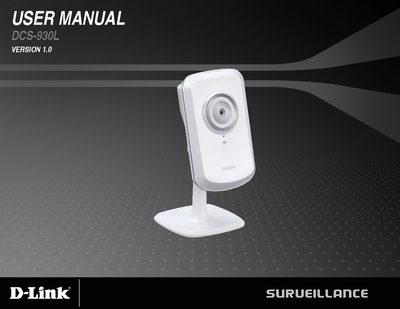
This manual covers everything you need to install and operate the DCS-930L wireless N network camera. It includes a product overview, detailed installation steps, network configuration, and guidance on using the mydlink portal.
Later sections explain wireless security options, troubleshooting tips, and technical specifications such as video resolution, lens details, power requirements, and dimensions.
| Operating System | Microsoft Windows XP, Vista, Windows 7 |
|---|---|
| Built‑in Network Interface | 10/100BASE‑TX Fast Ethernet, 802.11b/g/n WLAN |
| Wireless Security | WEP, WPA, WPA2 |
| Video Resolution | 640×480 @ up to 20 fps, 320×240 @ up to 30 fps, 160×120 @ up to 30 fps |
| Lens Focal Length | 5.01 mm, F2.8 |
| Image Sensor | VGA 1/5‑inch CMOS |
| Power Input | 100‑240 V AC, 50/60 Hz |
| Power Output | 5 VDC, 1.2 A |
| Dimensions (with bracket) | 65.8 × 65 × 126 mm |
| Weight | 76.9 g (without bracket) |
A PC running Windows XP, Vista or 7 with a 1.8 GHz processor, at least 128 MB RAM, Internet Explorer 6+, Firefox 3.5+ or Safari 4, and a 10/100 Ethernet or 802.11n wireless network.
It can capture video at 640 × 480 up to 20 fps, 320 × 240 up to 30 fps, and 160 × 120 up to 30 fps.
The camera supports WEP, WPA and WPA2 security for its 802.11b/g/n wireless connection.
It requires an input of 100‑240 V AC, 50/60 Hz and provides a 5 VDC, 1.2 A output via an external AC‑DC adapter.