
This document is a setup guide for the LinkSys PAP2-NA ATA Analogy Telephone Adapter, explaining how to set it up with PlusNet's PlusTalk VoIP service.
The Linksys PAP2-NA ATA is a two‑port analog telephone adapter that enables standard phones to work with VoIP services such as PlusNet PlusTalk.
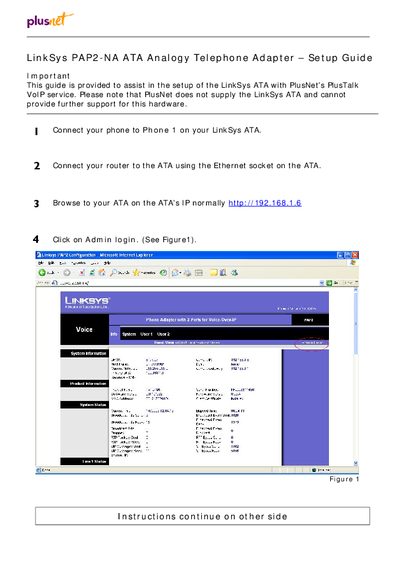
The guide walks you through connecting the phone and router, accessing the web interface at the default IP 192.168.1.6, logging in, configuring line settings, entering the proxy server sip.plus.net, and saving the configuration.
| Number of ports | 2 |
|---|---|
| Default IP address | 192.168.1.6 |
Open a browser and go to http://192.168.1.6, then click the Admin login button.
Enter sip.plus.net as the VoIP server (proxy) address.
The adapter provides two ports for voice‑over‑IP phones.