
This document provides specifications and features of the TL-WN721N 150Mbps Wireless Lite-N USB Adapter.
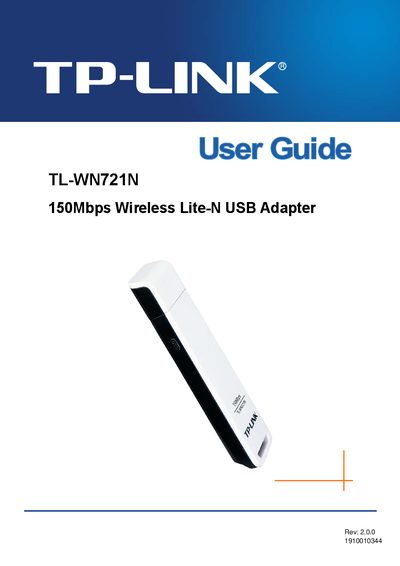
This guide introduces the TL-WN721N 150 Mbps Wireless Lite‑N USB Adapter, describing its features, supported standards and security options. It explains the package contents, including the adapter, a quick‑installation guide, a USB extension cable and a resource CD with drivers and the TP‑LINK Wireless Client Utility.
The manual walks users through hardware installation, software installation for Windows XP/Vista/7, and configuration steps such as profile management, push‑button (PBC) and PIN methods. Appendices list detailed specifications and a glossary of wireless networking terms.
| Wireless data rate | up to 150 Mbps |
|---|---|
| Supported standards | IEEE802.11b/g/n |
| Interface | USB |
The adapter supports a wireless data rate of up to 150 Mbps.
The adapter is compatible with IEEE 802.11b, 802.11g and 802.11n standards.