
This manual provides an introduction to the Linksys E2100L Advanced Wireless-N Router and its basic functions and features.
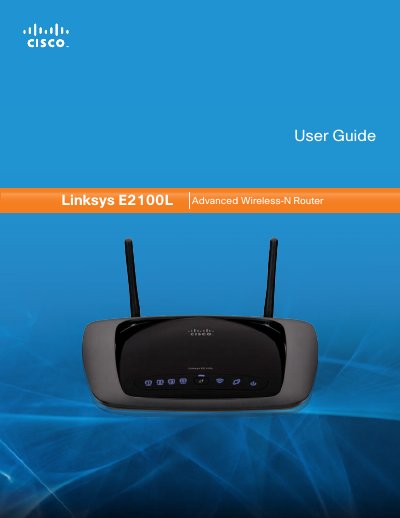
This guide provides step‑by‑step instructions for installing the Linksys E2100L router, connecting it to the Internet, and using the Cisco Connect software. It covers hardware placement, power connection, Ethernet and USB ports, and the optional wall‑mounting procedure.
Later sections describe advanced configuration options such as wireless security, MAC cloning, QoS, VPN passthrough, and how to manage the router via the browser‑based utility. Appendices include troubleshooting tips, USB storage setup, full specifications, warranty, and regulatory information.
| Model Name | Linksys E2100L |
|---|---|
| Standards | 802.3, 802.3u, 802.11b, 802.11g, 802.11n |
| Ports | Internet, Ethernet 1‑4, USB, Power |
| Antenna Gain | 2.4 GHz ≤ 1.8 dBi |
| Power | 12 V / 1.5 A (switching) |
Press and hold the Reset button for about five seconds, or select Factory Defaults from the Administration menu in the browser‑based utility.
The router provides four Ethernet ports, numbered 1 through 4, for wired connections.