
This document is the user manual of 2550 watch, which introduces the basic functions and operation methods of the watch
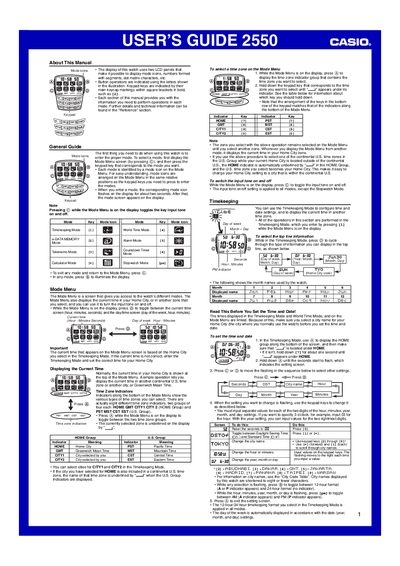
This guide explains how to navigate the watch’s Mode Menu, select and use the various modes (Timekeeping, World Time, Stopwatch, Calculator, Countdown Timer, etc.), and configure time‑zone and daylight‑saving settings. Detailed procedures show how to set the time, date, and home city, as well as how to switch between 12‑hour and 24‑hour formats.
The manual also covers the e‑DATA MEMORY and Telememo features, describing how to protect data with a password, create, edit, recall, and delete records, and manage up to 200 telephone‑book entries. Helpful tips on memory usage, password reset, and record sorting are included.
| e‑DATA MEMORY record capacity (Telememo Mode) | up to 200 records |
|---|---|
| e‑DATA MEMORY record length | up to 63 characters per record |
| Default e‑DATA MEMORY password | "0000" |
Enter Timekeeping Mode, press @) until the seconds flash, then use ©) or ©) to move the flashing field and adjust hours, minutes, year, month, and day, confirming each change with the keypad.