
The CASIO FX-602P Simulator is a fully functional simulator of the classic CASIO FX-602P programmable calculator and the FA-1 Tape interface. The Simulator supports all mathematical and statistical functions of the original FX-602P. The mathematical functions are implemented using a powerful 18 digits BCD floating point library and precision generally exceeds those of Java doubles or the original FX-602P. All numbers are rounded to 10 digits before display. The FX-602P Simulator is fully programmable just like the original. All features including indirect addressing or alphanumeric display are available.
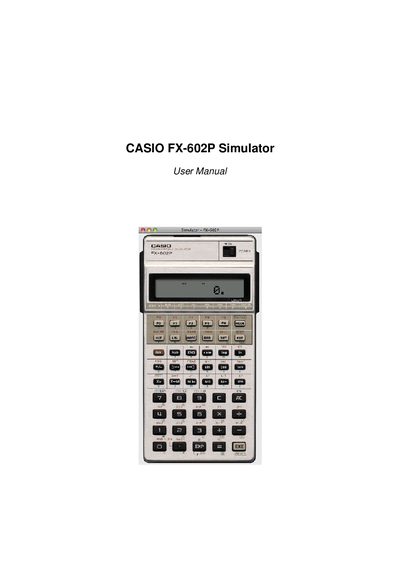
The Casio FX-602P Simulator reproduces the functionality of the classic FX-602P programmable calculator, including all mathematical and statistical functions. It expands program memory to 999 steps and allows 11‑110 memory registers, with numbers rounded to 10 digits for display.
The manual explains how to install the simulator on Android, Symbian, macOS, Windows, Unix and other operating systems, how the built‑in FA‑2 cassette interface stores files, and provides tips for backup, settings, and using the six calculator modes.
| Program steps | 999 |
|---|---|
| Memory registers | 11‑110 |
| Calculator modes | 6 |
| Number precision | 10‑digit rounding |
| Floating‑point library | 18‑digit BCD |
It supports up to 999 program steps.
Before Vista they are in C:\Documents and Settings\username\FX-602P\ and in Vista and later in C:\Users\username\FX-602P\.
The simulator uses Android 2.2’s backup framework to automatically back up data to an online service.