
This document is a user's guide for the DATA PROJECTOR XJ-360, providing information on safety precautions, projector setup, and lamp replacement.
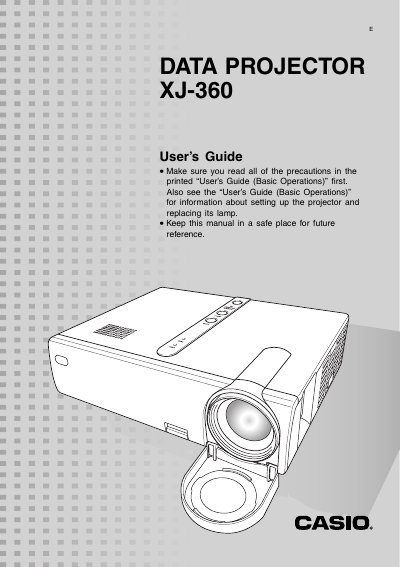
This guide explains how to set up the Casio XJ-360 projector, connect it to computers or video devices, and power it on. It covers basic operations such as selecting input sources, adjusting zoom and focus, and using the remote controller.
The manual also details image‑adjustment features like keystone correction, signal settings, and troubleshooting tips. An appendix lists supported video signals and their horizontal/vertical frequencies.
| HDTV 1080i60 Horizontal frequency | 33.7 kHz |
|---|---|
| HDTV 1080i60 Vertical frequency | 60 Hz |
| 720p60 Horizontal frequency | 45.0 kHz |
| NTSC Horizontal frequency | 15.7 kHz |
| PAL Horizontal frequency | 15.6 kHz |
Press the [INPUT] key on the projector or use the RGB/COMPONENT, VIDEO, or S‑VIDEO keys on the remote controller to cycle through sources.
Use the zoom ring to change image size and the focus ring to focus; it is best to focus first before zooming.
The projector displays the message “No signal input” in place of the input source name.