
This document is the user manual for Panasonic PLC-XL50 Multimedia Projector
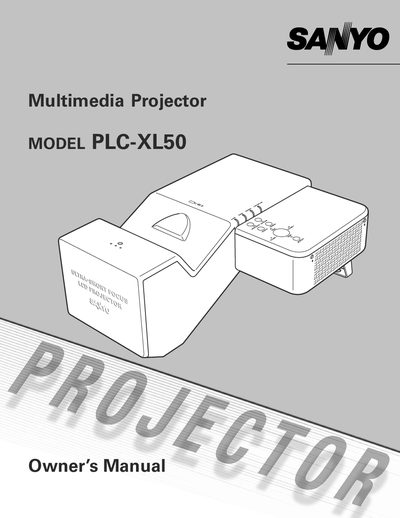
This manual covers everything you need to install, configure, and use the Sanyo PLC-XL50 multimedia projector. It explains the projector’s features such as short‑focus lens projection, a 16.77‑million‑color LCD display, and a multiscan system that accepts many video standards.
Safety guidelines, antitheft alarm setup, PIN‑code lock, routine cleaning, lamp replacement, and troubleshooting steps are detailed throughout the document, helping you keep the projector operating reliably for years.
| Color palette | 16.77 million colors |
|---|
Enable the PIN‑code lock function, which prevents unauthorized operation.
Unplug the projector from the AC power supply and use a damp cloth; never use liquid or aerosol cleaners.
The manual includes a Lamp Replacement Label page that lists the replacement lamp part number.