
The document describes the features and characteristics of a product, including its design, functions, and performance.
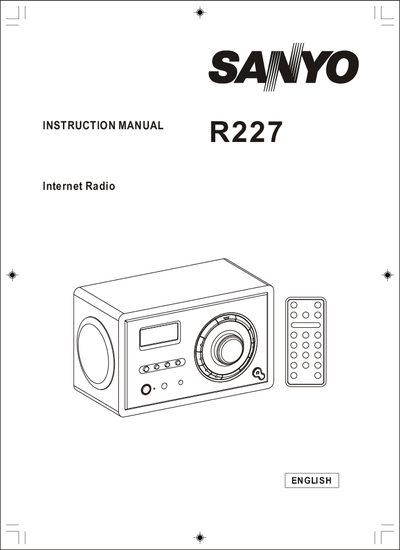
This manual covers the Sanyo R227 Internet Radio, a consumer‑grade device that streams audio over Wi‑Fi. It includes safety warnings, power requirements, and an overview of the unit’s front, side, and rear features.
Key sections guide you through installation, remote‑control operation, network configuration, media playback, FM radio use, troubleshooting, and warranty details. The document also lists technical specifications such as power source, remote range, and FCC compliance.
| Power source | 100-240V AC 60/50Hz |
|---|---|
| Remote control range | approximately 20 feet |
| Warranty parts period | 90 days |
| FCC classification | Class B digital device |
Power up the radio, scan for available wireless networks, and then select and connect to your network.
Try reorienting or relocating the receiving antenna, increase the separation between the equipment and the receiver, or use a different outlet.
The remote works up to about 20 feet away and must be within a 30° angle of the sensor.