
This document is the Siemens EDGE Speed ES75 User's Guide
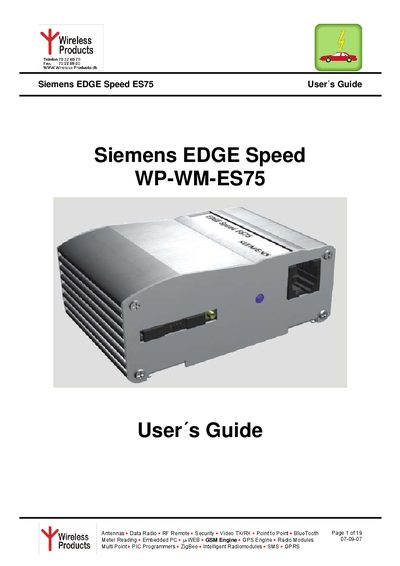
The ES75 is a compact quad‑band GSM/GPRS/EDGE modem designed for data, SMS and fax transmission in industrial applications such as fleet management, telemetry and remote monitoring. It features an integrated SIM card reader, RS232 and mini‑USB interfaces, and a wide input voltage range.
The guide covers safety precautions, package contents, detailed installation steps, interface descriptions, startup and shutdown procedures, operating states, AT‑command control, firmware updates and maintenance tips. It also lists the external connectors, accessories and certification information.
| Frequency bands | Quad‑band 850/900/1800/1900 MHz |
|---|---|
| Input voltage range | +8 V … +30 V |
| Dimensions | 53 × 76 × 31 mm |
| Weight | ≈ 110 g |
| Maximum GPRS downlink speed | 384 kbps |
The modem must be switched off when used near hospitals, pacemakers or hearing aids to avoid interference.
The modem operates with an input voltage between +8 V and +30 V.
The modem is controlled and programmed via AT commands, which follow the same structure as the MC75 module.