
This document mainly introduces the features and characteristics of a product, including the product's brand, model, function, etc.
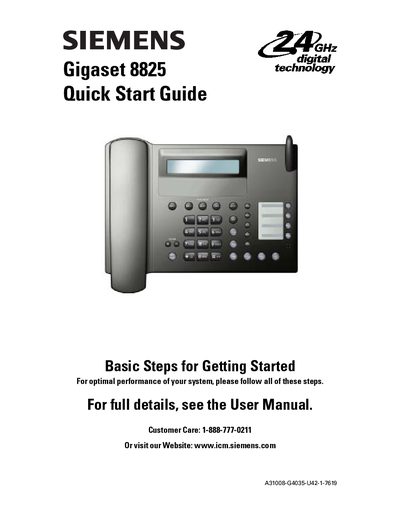
The Quick Start Guide walks you through the essential steps to get your Siemens Gigaset 8825 cordless phone up and running. It covers base station connection, handset installation, battery charging, and initial configuration such as PIN and area code settings.
Key sections include Base Station Setup, Handset Setup and Soft‑Key Operation, PIN and Area Code configuration, basic phone operation, and a troubleshooting guide that addresses common issues like no power, no dial tone, and static noise.
| Maximum handsets | 8 |
|---|---|
| Battery type | AA Ni‑Cd or Ni‑MH rechargeable |
| Initial charge time | 12‑14 hours |
| Base placement distance | at least 8‑inches from persons |
Press the power key on the handset, select “Please Register,” enter the system PIN (default 0000), then follow the menu steps on the base to assign an intercom number.
The default system PIN is 0000; you should change it during setup.
You can add up to eight handsets to the Gigaset 8825 system.
Use only AA Ni‑Cd or Ni‑MH rechargeable batteries; do not use alkaline or lithium cells.