
This document is the instruction manual for Gigaset C470 IP / C475 IP, which mainly introduces the product's functions and features and usage methods
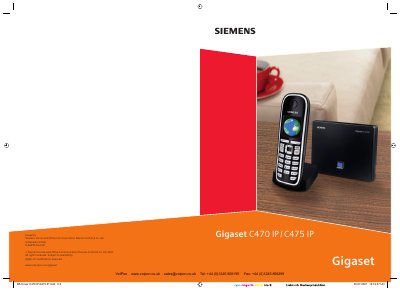
This manual covers the Gigaset C470 IP and C475 IP handsets and their base station. It explains the handset layout, key functions, battery status indicators, and how to register multiple handsets to a single base station. Safety precautions are included, emphasizing the use of the supplied mains adapter and rechargeable NiMH batteries.
The guide also details VoIP setup, including creating up to six VoIP accounts, configuring SIP settings, using the web configurator, and managing calls, SMS, and e‑mail. Additional sections cover firmware updates, network mailbox usage, and troubleshooting common issues.
| Recommended batteries | Nickel‑metal‑hydride (NiMH) AAA 1.2 V 600–1200 mAh |
|---|---|
| Standby time (AAA 600 mAh) | 180 hours |
| Talk time (AAA 600 mAh) | 9 hours |
| Charging time (cradle, AAA 600 mAh) | 5 hours |
The handsets use Nickel‑metal‑hydride (NiMH) AAA batteries with a voltage of 1.2 V and a capacity of 600–1200 mAh.
Charging the handset in the cradle takes about 5 hours for a 600 mAh battery.
With a 900 mAh battery the handset can stay in standby for up to 320 hours.
Yes, the phone includes a connection assistant that guides you through VoIP setup without needing a PC.