
This document is an instruction manual for TL-R460 Cable/DSL Router Rev: 1.0.1 1910010009, describing the features and characteristics of the product.
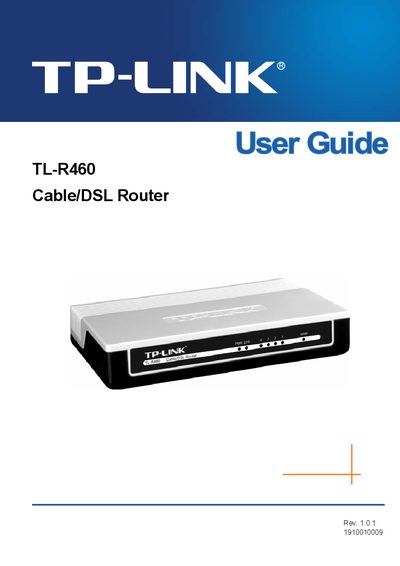
The TL‑R460 Cable/DSL Router is designed for Small Office/Home Office (SOHO) networks. It integrates a 4‑port 10/100 Mbps switch, built‑in NAT and DHCP server, firewall, and supports VPN pass‑through, Virtual Server, Port Triggering, DMZ, and remote management.
The guide covers hardware installation, quick setup, detailed configuration of networking features, security settings, and system tools. Appendices provide specifications, a FAQ, and a glossary of networking terms.
| Web Management Port | 88 |
|---|---|
| Remote Management IP Address | 255.255.255.255 |
| Switch Ports | 4‑port 10/100 Mbps |
| Supported WAN Interfaces | Cable or DSL modem |
Enter http://192.168.1.1:88 in a web browser to reach the router’s LAN IP address on the web management port.
The default remote management IP address is 255.255.255.255.