
This document introduces the features and characteristics of the products provided by Lexmark International, Inc.
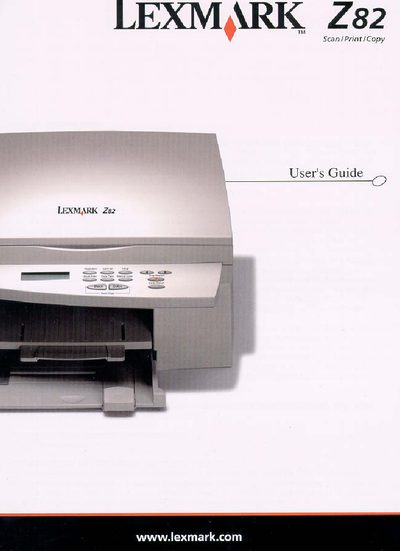
This guide walks you through unpacking, connecting, and configuring the Lexmark Z82 printer, including loading paper, installing cartridges, and installing software. It also covers basic operation, troubleshooting, and maintenance procedures.
Additional sections detail warranty terms, FCC and Industry Canada compliance, and how to contact Lexmark customer support for service or technical assistance.
| Operating System Compatibility | Windows 95/98 |
|---|
The warranty period is twelve months from the date of original purchase.
You can reach Lexmark Customer Support at 1‑800‑539‑6275 or visit http://support.lexmark.com.
The Lexmark Z82 complies with the limits for a Class B digital device.