
This document provides Lexmark ™ X94x printer troubleshooting guide, including checking if the printer is not responding, closing door A, and solving printing problems.
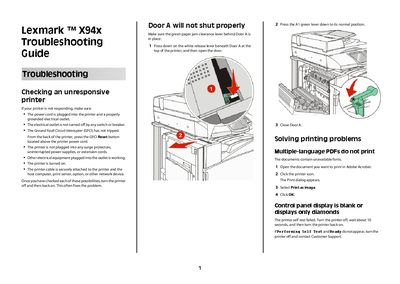
This guide helps users resolve a wide range of problems with the Lexmark X94x printer, including unresponsive devices, paper jams, print quality defects, and scanner or fax errors. It lists checks for power, cables, and settings, and offers detailed procedures for resetting the printer and adjusting configuration options.
Additional sections cover specific components such as Door A, USB drives, optional finisher units, and memory cards, as well as troubleshooting steps for copy quality, scanner performance, and fax transmission problems. The guide also provides instructions for accessing web‑based configuration pages and adjusting fax settings.
Verify the power cord, outlet, GFCI, and cable connections, then turn the printer off and back on.
Perform a self‑test by turning the printer off, waiting about 10 seconds, and turning it back on; if the test fails, contact support.
When the message "88
Lower the fax transmission speed in the Analog Fax Setup page (e.g., 2400, 4800, 9600, 14400, 33600).