
The X6170 is a multifunction all-in-one from Lexmark, which features professional scanning and printing at up to 4800 dpi, up to 19 ppm mono and 15 ppm colour printing and 33.6Kbps faxing for fast results.
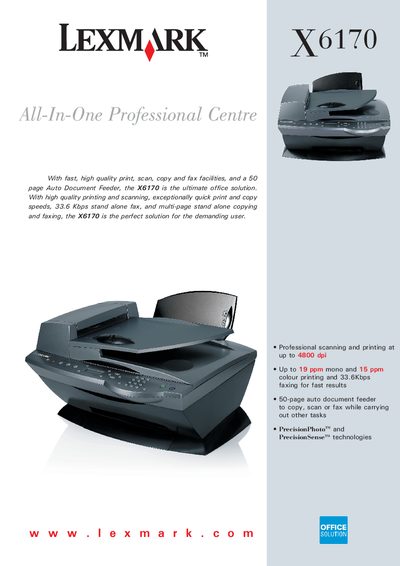
The Lexmark X6170 All‑In‑One combines fast, high‑quality printing, scanning, copying and faxing in a compact office device. It features a 50‑page auto document feeder, high‑resolution printing up to 4800 dpi, and a flatbed CCD scanner.
The manual covers print and scan technologies, paper handling, resolution options, memory, interface, and detailed setup steps, including driver installation and optional accessories.
| Print Technology | Thermal Inkjet 4‑colour (Cyan, Magenta, Yellow, Black) |
|---|---|
| Scan Technology | Flatbed CCD scanner |
| Resolution (optical flatbed) | Up to 1200 × 4800 dpi |
| Resolution (enhanced) | Up to 19200 × 19200 dpi |
| Print Speed (mono) | Up to 19 ppm |
| Auto Document Feeder Capacity | 50 sheets |
| Memory | DRAM 16 MB, FLASH 1 MB |
| Interface | USB |
It uses Thermal Inkjet 4‑colour printing.
The maximum optical resolution is up to 1200 × 4800 dpi.
The auto document feeder can hold up to 50 sheets.
It includes a flatbed CCD scanner.