
The E220 is a Lexmark laser printer that has a printing speed of 17ppm, a print resolution of 600x600dpi, and supports Windows, Mac OS, and Linux operating systems.
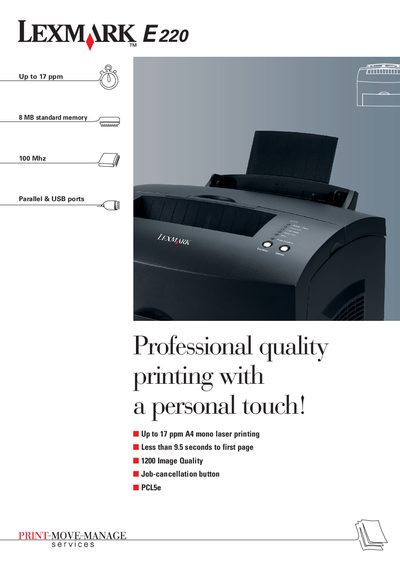
The Lexmark E220 is a compact A4 mono laser printer designed for small‑office and home‑office use. It delivers up to 17 pages per minute with a first‑page time of less than 9.5 seconds and 1200‑dpi image quality. The printer includes a job‑cancellation button, PCL 5e support, and a range of media options such as envelopes, labels, cardstock, and transparencies.
The manual details hardware specifications, connectivity (USB 2.0 and Parallel ports, optional external print server), paper handling capacities (160‑sheet primary tray, optional 250‑sheet drawer, 100‑sheet top exit), and optional memory upgrades up to 72 MB. Box contents, warranty information, and environmental certifications (Energy Star, Blue Angel) are also covered.
| Print speed | Up to 17 ppm |
|---|---|
| First‑page time | Less than 9.5 seconds |
| Processor | 100 MHz |
| Standard memory | 8 MB DRAM |
| Print resolution | 1200 dpi (Image Quality) |
| Emulation support | PCL 5e, Host Based Printing, PostScript (Mac) |
| Input capacity | 160‑sheet primary tray |
| Optional input drawer | 250‑sheet drawer |
| Output capacity | 100‑sheet top exit |
| Supported media weights | 60‑163 g/m² |
| Connectivity ports | USB 2.0 compatible and Parallel |
| Warranty | One‑year on‑site exchange |
The printer can produce up to 17 pages per minute.
The first page is printed in less than 9.5 seconds.
It comes with 8 MB DRAM standard and can be upgraded to a maximum of 72 MB.
The device includes a USB 2.0‑compatible port and a Parallel port, with an optional external print server.